
Lbby by R Studio
Game servers made simple.
Host and manage game servers without port forwarding, command-line work, or router configuration. Minecraft Java is available now, with Terraria support on the way.
Lbby by R Studio
Host and manage game servers without port forwarding, command-line work, or router configuration. Minecraft Java is available now, with Terraria support on the way.
Supported Games
Fully developed hosting support for Minecraft Java servers, including guided setup, server types, mods, plugins, modpacks, playit.gg tunneling, backups, performance tools, and player management.
Terraria server hosting is planned as Lbby expands into multi-game hosting.
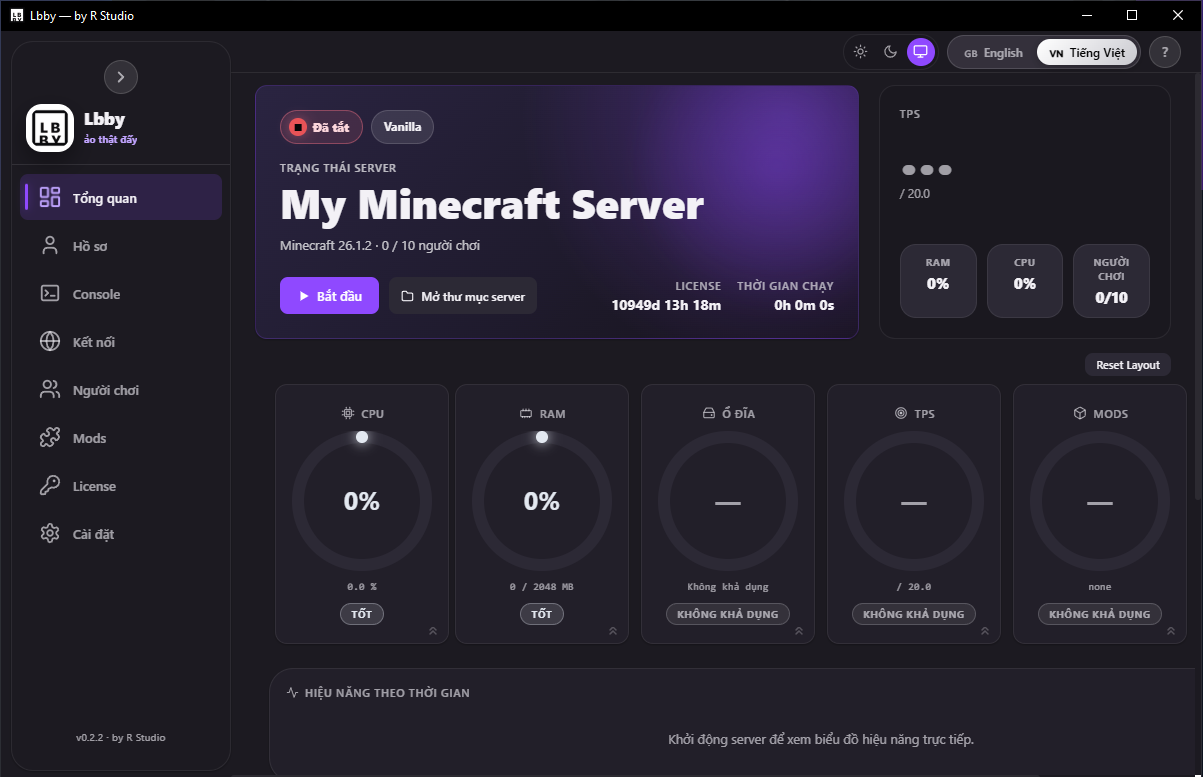
Dashboard
An intuitive control panel for installing, starting, managing, and sharing game servers. Minecraft Java support is available now, with Terraria support on the way.
Features
From zero to a running game server in minutes. No terminal, no config files, no headaches.
Create supported game servers through a guided setup flow. Minecraft Java is fully supported today, with Terraria support on the roadmap.
Vanilla, Paper, Folia, Purpur, Bukkit, Spigot, Forge, Fabric, NeoForge, SpongeVanilla, and SpongeForge — all from a guided setup wizard.
Built-in tunnel support so friends can join from anywhere. No port forwarding or static IP needed.
Manage your server from your phone or another PC where supported. LAN + Cloudflare Quick Tunnel with secure token authentication.
For Minecraft Java, browse Modrinth, install mods and plugins, use modpacks from Modrinth and CurseForge, and check updates automatically.
Create ZIP backups, restore from backups, and schedule automatic backups. Never lose your world again.
JVM optimization presets, TPS monitoring, chunk pre-generation, and customizable dashboard with live ring meters for Minecraft Java servers.
For Minecraft Java, manage online players with avatars, OP, kick, ban, unban, teleport, and more.
See it in action
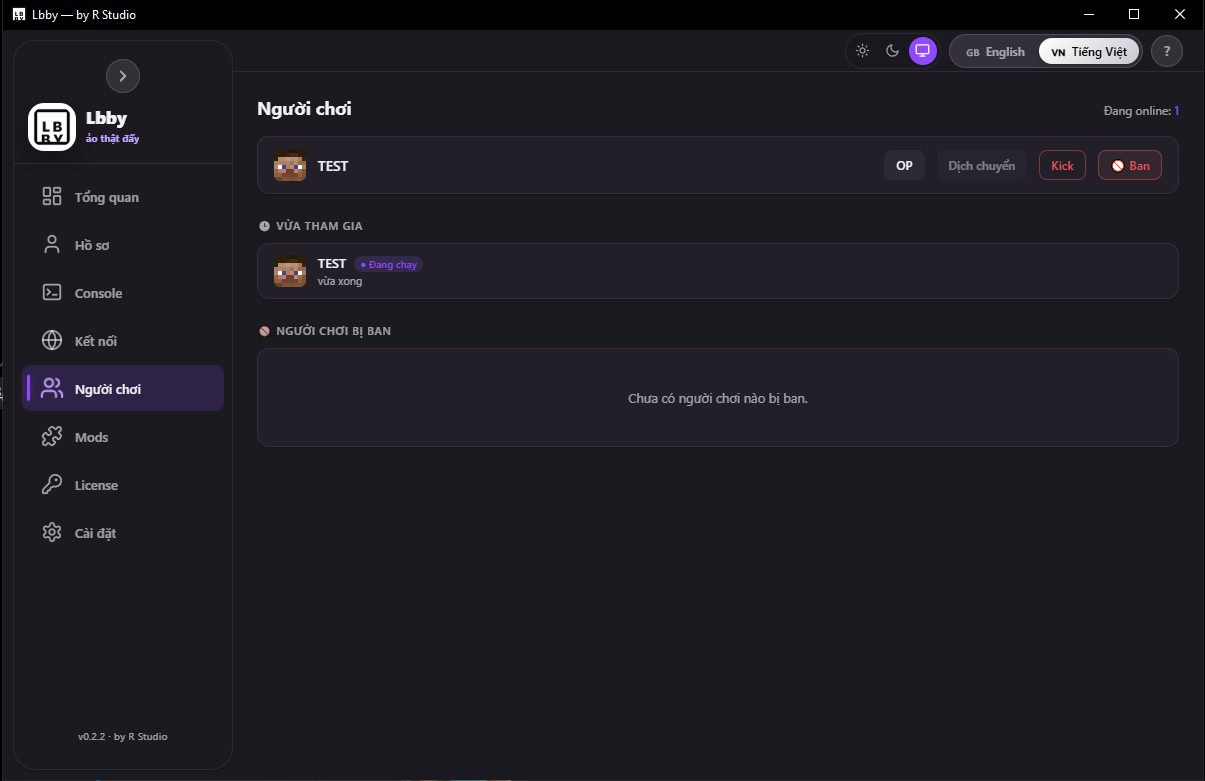
Manage multiple players easily on your Minecraft Java server.
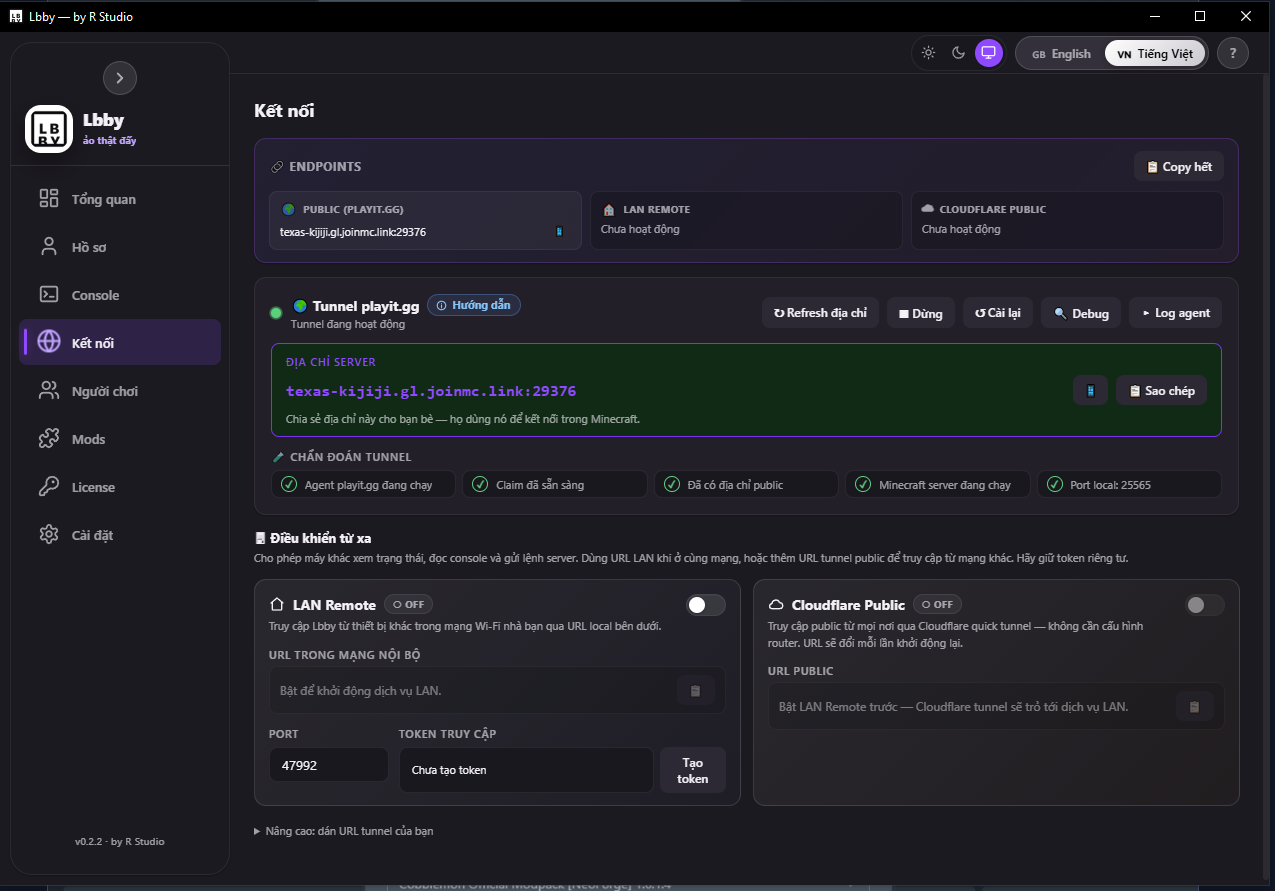
Create a public server address without port forwarding.
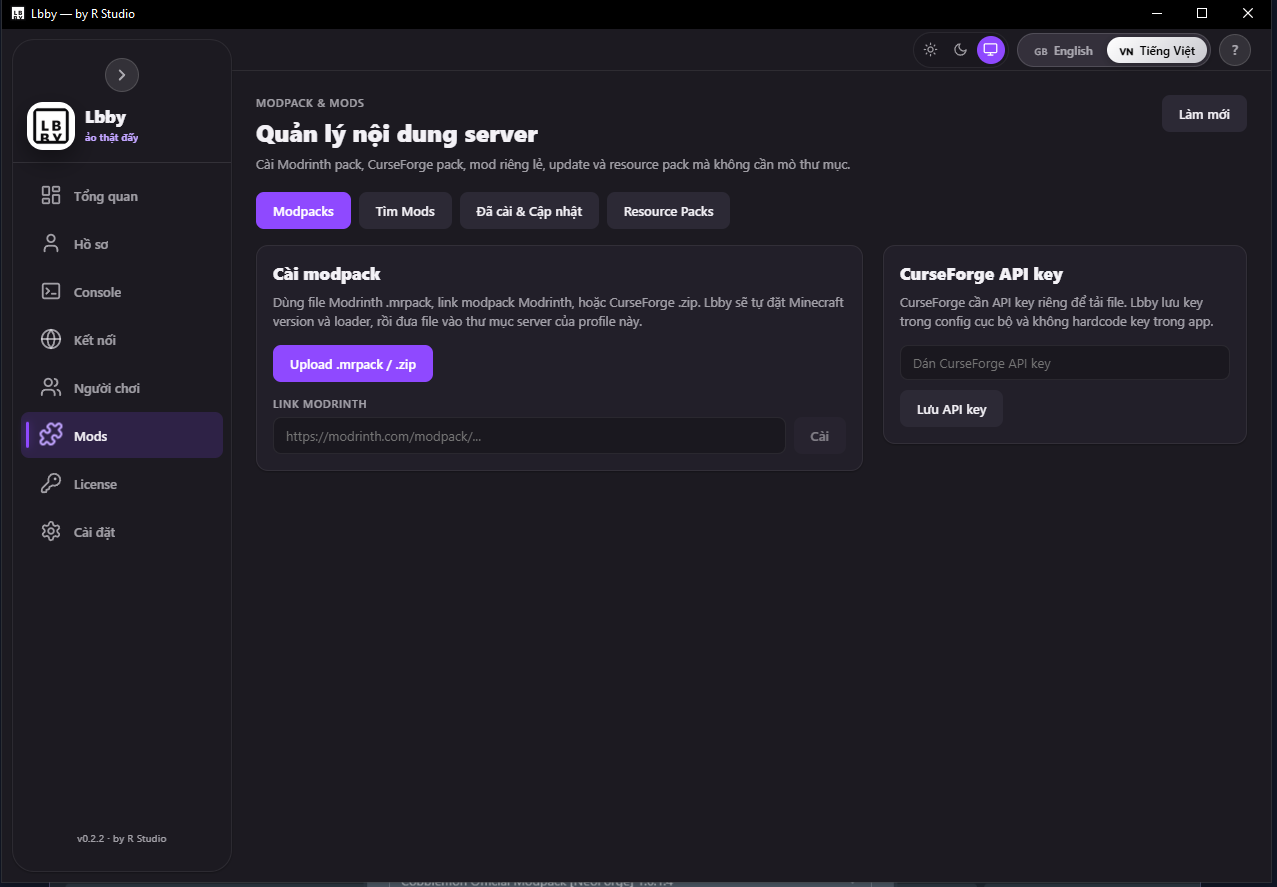
Install mods, plugins, and modpacks quickly for Minecraft Java servers.
Download
Free to use. Available for Windows, macOS, and Linux. Minecraft Java hosting is available now. Terraria support is coming soon.
Documentation
From download to your first game server in minutes.
choose game → install → start → tunnel → share
Minecraft Java is Lbby's first fully supported game. It includes guided setup, server types, mods, plugins, modpacks, player management, backups, tunnels, and performance tools.
Lbby supports 11 Minecraft Java server types:
For Minecraft Java servers, click any online player to open the detail modal:
For Minecraft Java:
For Minecraft Java:
Terraria support is planned as part of Lbby's move toward multi-game hosting. Present it as coming soon, not currently available.
Changelog
License
Lbby uses Ed25519-signed JWT tokens for license activation. Keys are generated and verified entirely client-side — no backend required.
Licenses are signed with Ed25519 elliptic curve keys. The private key never leaves the generator; the public key is embedded in the app for verification.
Each license is a standard JSON Web Token containing user ID, tier, expiry, and optional device binding. Tokens are compact and easy to share.
Two license tiers control feature access. Novice covers basic hosting; Master unlocks advanced tools and unlimited servers.
Licenses can optionally be bound to a device fingerprint, preventing the same key from being used on multiple machines.
Set license validity from 30 minutes to 10 years. Tokens include a built-in expiry timestamp — the app enforces it automatically.